

![The M4 Mac mini has completely changed how I view all other desktops [Video]](https://i0.wp.com/9to5mac.com/wp-content/uploads/sites/6/2025/11/Mac-mini-FI.jpg?resize=1200%2C628&quality=82&strip=all&ssl=1 "The M4 Mac mini has completely changed how I view all other desktops [Video]")
Believe it or not, the M4 Mac mini was released just over a year ago. Apple changed the footprint, design, and form factor to create a compact 5in x 5in x 2in aluminum box with a fan at the bottom. It was a nice upgrade from its predecessor. But, in all honesty, I was not expecting much. I figured it would be a fine computer, especially because Apple debuted it at a $599 price point ($499 now on Amazon). So I thought to myself, there has to be some limitation that everyday users would notice, right? But after using this for an entire year as my main desktop, it has completely distorted how I think about computers and what real value in tech should look like.
Before we jump in, be sure to check out my review below to get my hands on thoughts on the M4 Mac mini after one year of use:
Design and specs
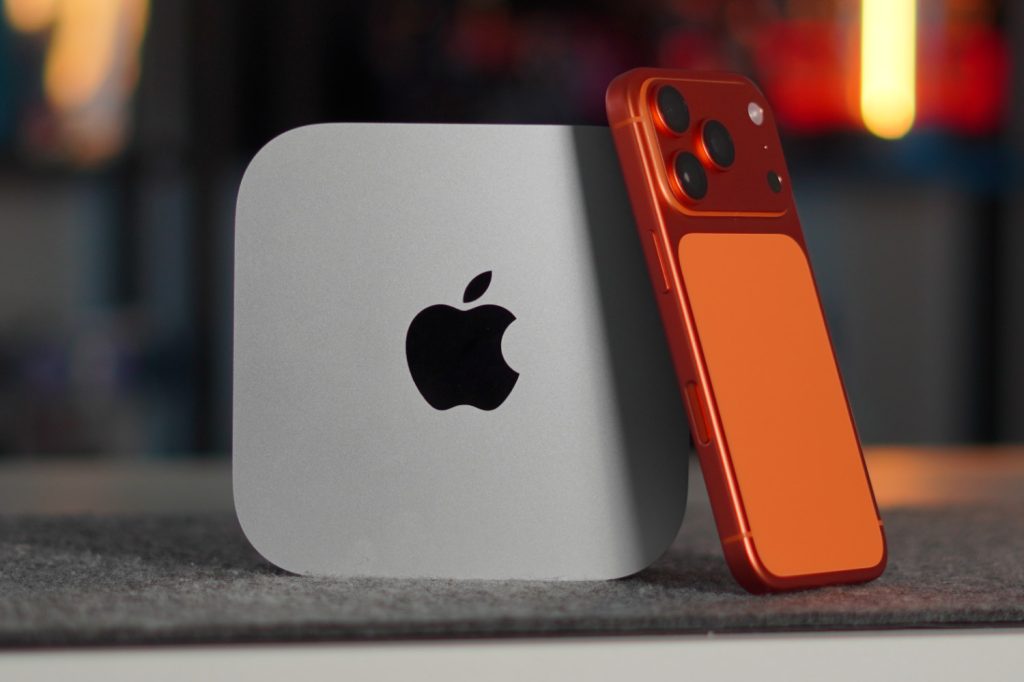
As I mentioned earlier, although the design did change, it was not a drastic alteration. It got more compact, a bit taller, and feels like a smaller but denser package. At this point, it almost feels portable. If you look at it from the top down, it has the same corner radius as an Apple application. The size is excellent and fits on any surface, it’s easy to tuck away, you can stand it up, lay it flat, there are even cool casings that make it look like a mini Mac Pro! While you can spec up this Mac mini with the M4 Pro and 64GB of unified memory, I went with the absolute base model to see how it would hold up over time. With that version you get:
- Base M4 chip
- 16GB of unified memory
- 256GB of SSD storage
- Wifi 6E & Bluetooth 5.3
In terms of ports, you get:
- Three Thunderbolt 4 ports (rear)
- Gigabit Ethernet port (rear)
- HDMI 2.1 supporting up to 8K at 60Hz (rear)
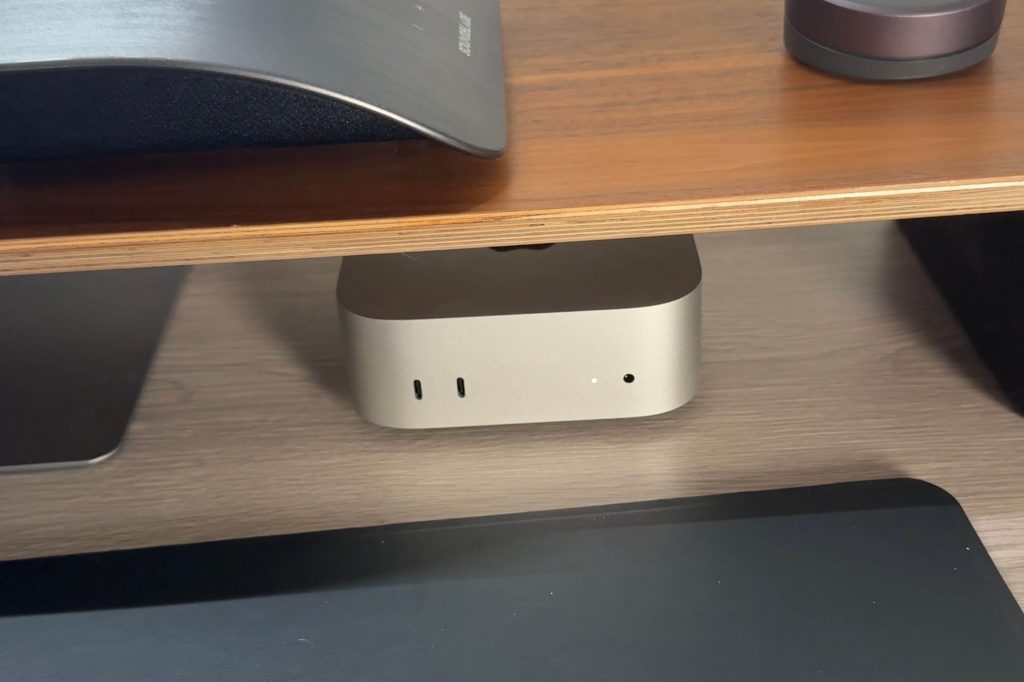
- Two USB-C 10Gbps ports (front)
- 3.5mm Headphone jack (front)
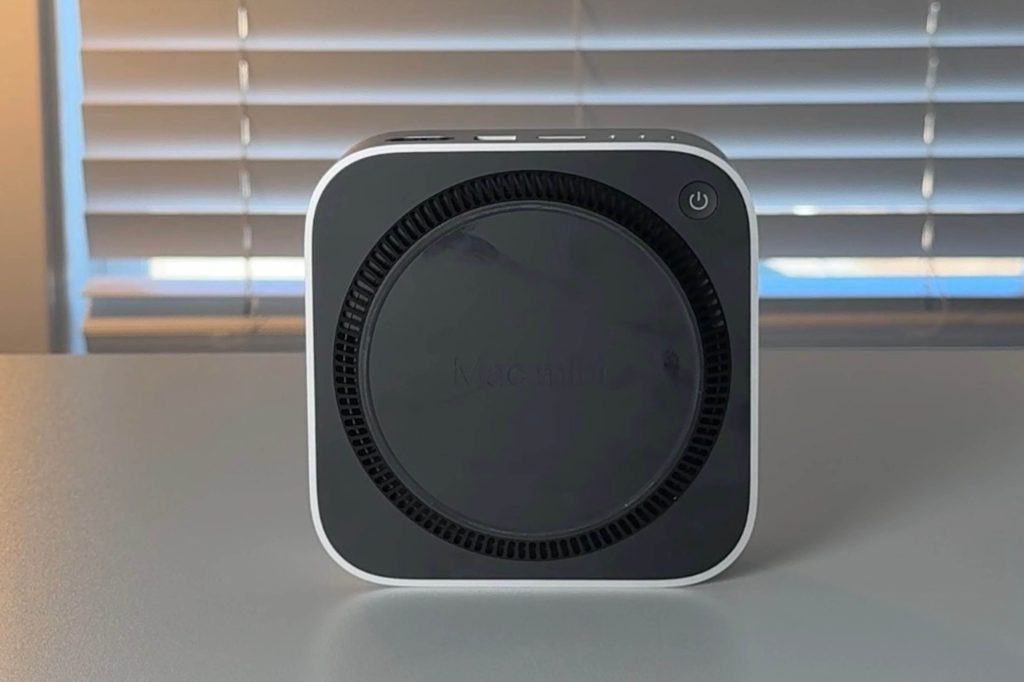
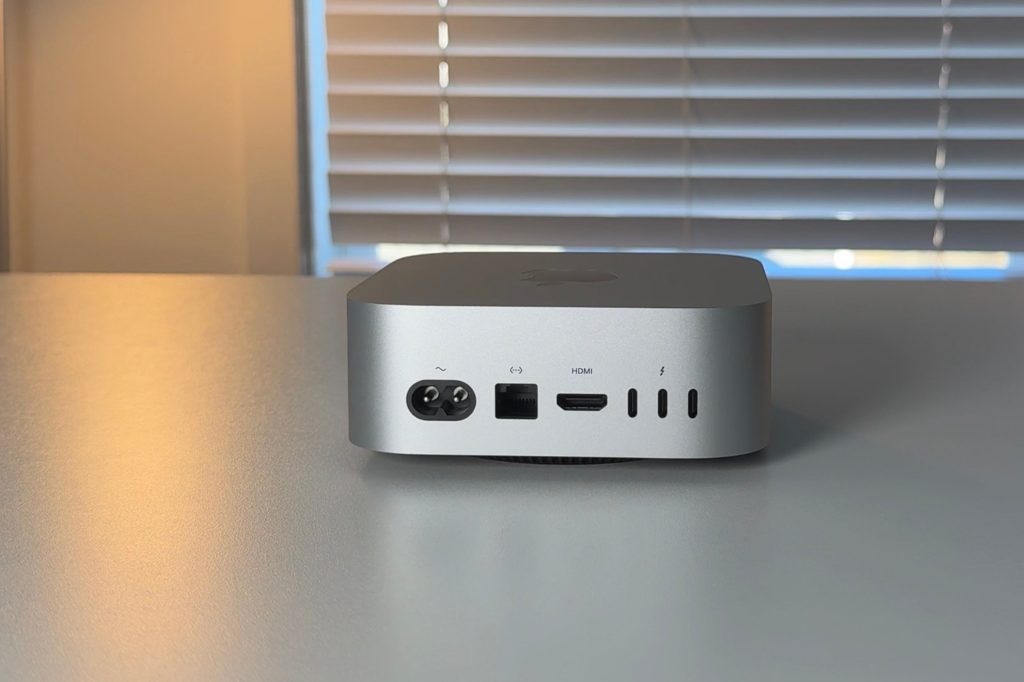
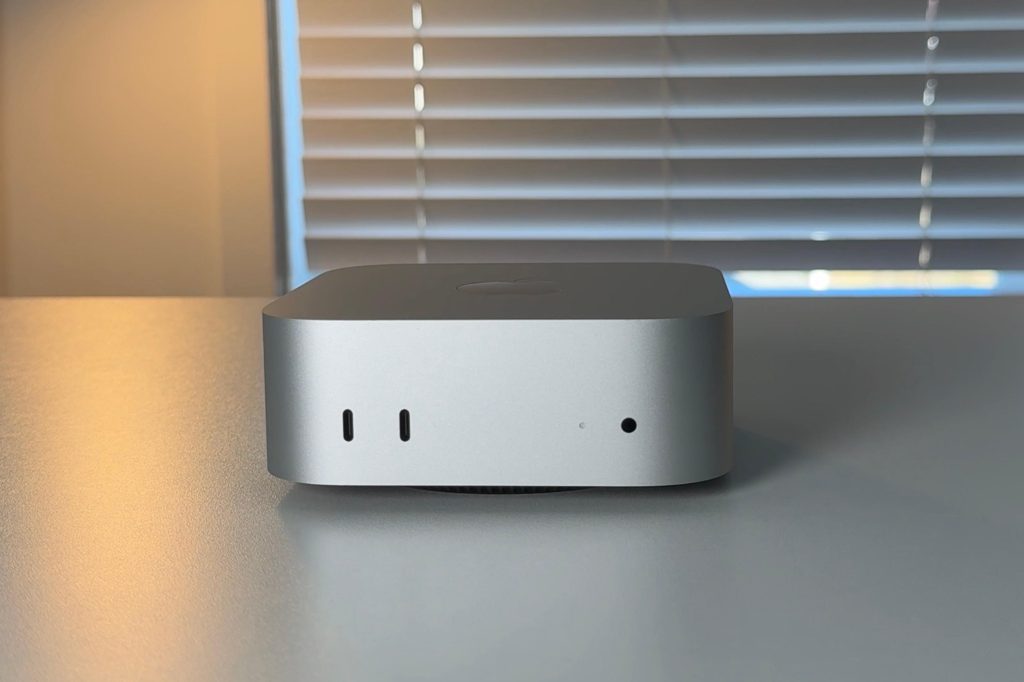
I think this port selection is great. I do wish there were maybe one USB-A port somewhere, as well as an SD card reader on the front. But I have to keep in mind that this is a $499 computer, so there has to be some sacrifice somewhere. If you go with the M4 Pro variant, you do get upgraded Thunderbolt 5 ports if needed.
There was also a big deal made of the power button location being weirdly placed on the bottom. It is a bit inconvenient to get to, but I think Apple placed it there knowing that the Mac mini is so good, especially with standby mode, that the power button would rarely be used. This is, in fact, true. In the year that I have had it, I’ve used the power button less than 10 times.
Everyday performance
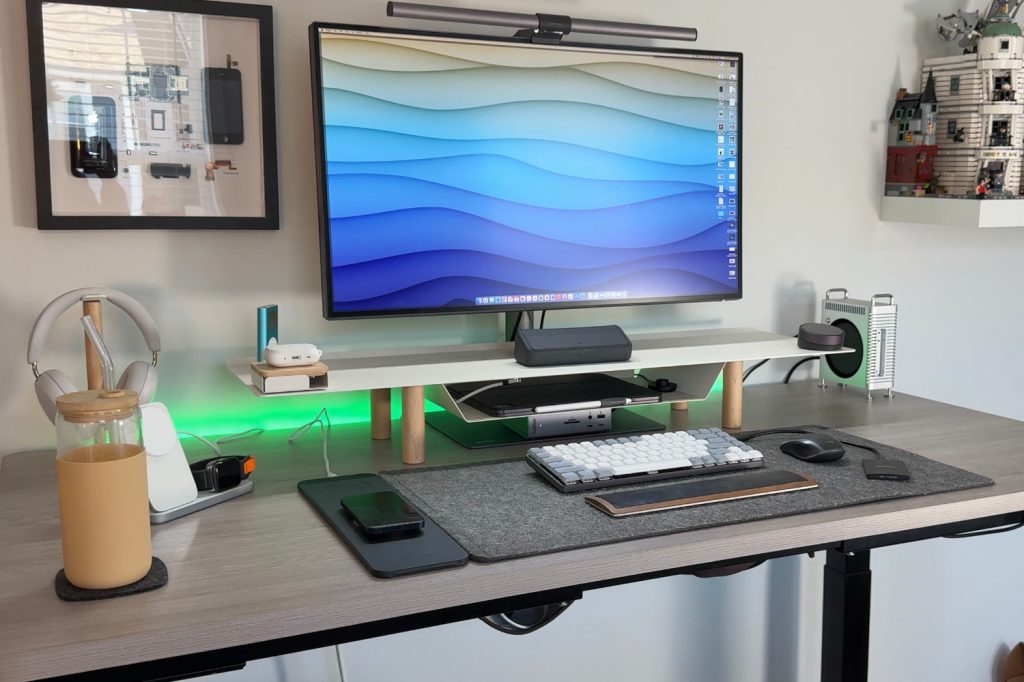
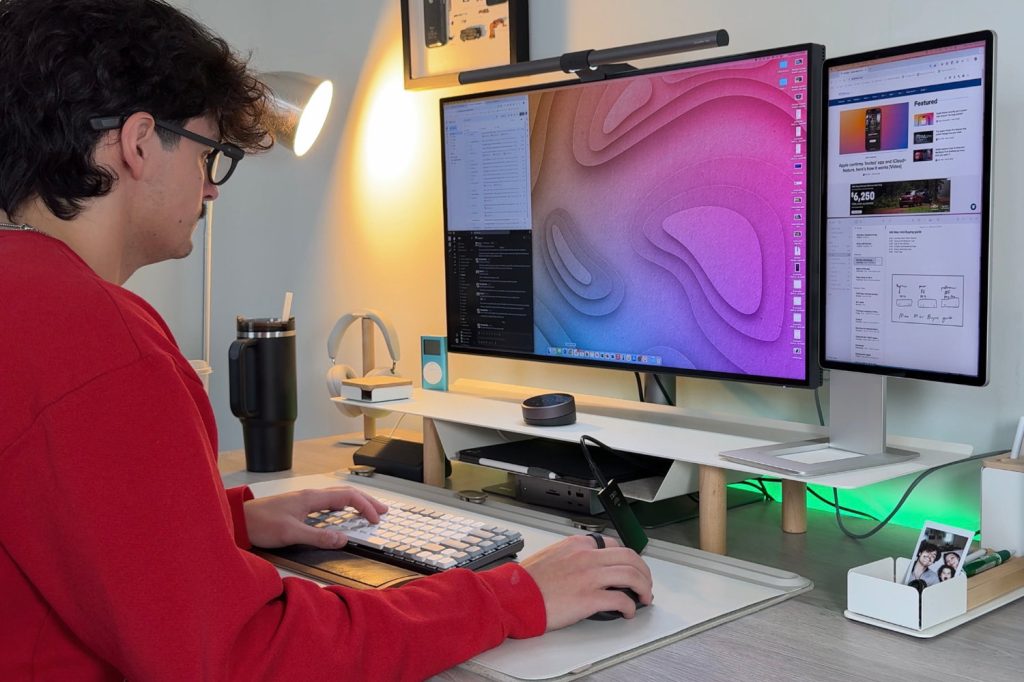
My main goal with the baseline M4 Mac mini was to see how far I could get with such a value-priced machine. I was going to use it for typical day-to-day tasks, such as email, Slack, other forms of communication, content consumption, extensive research, writing, web browsing, Excel work, Google Drive, file management, and occasionally video editing. The magic of the Mac mini has been just how normal it feels to use. At $499, you would think it would slow down, or get bogged down, or at some point feel like a cheap computer. However, I have never had that feeling. Not only can it handle all these tasks, but it stays whisper quiet. Ive had the fan turn on less then a handful of times, which means that this M4 Mac mini is capable of more then just my day to day tasks.
My typical day consists of:
- Dozens of browser tabs open in Comet or Chrome
- Slack, Monday.com, and Discord are running constantly
- Occasional photo edits in Lightroom or quick video trims in Final Cut Pro
- Sidecar and Universal Clipboard with my iPad Pro
- iCloud Drive for seamless file syncing between devices
And again, I only have 16GB of RAM. Sometimes I will see in my diagnostic tools that I am using up to 14-15GB of that RAM. But even when it is peaking, it never throttles down on me.
Other uses and limitations
But now, what if you are a coder, or a gamer or need to render 3D effects in Blender, can the baseline Mac mini do all that? I will say yes and no. When ti comes to gaming, it can handle some games, especially games optimized for Apple Silicon like NBA 2k on Apple Arcade. That game runs great. But if you want to play Assassin’s Creed with some decent settings, it won’t be the best experience. So, casual gaming passes easily, but true AAA gaming still has room for improvement.
The same principle applies to 3D rendering. If it’s something simple, it will be able to get it done. However, if you need something done quickly or have a huge file, you will be better off getting an M4 Pro or M4 Max chip to handle those workloads. I want to reiterate. The Mac mini can handle most tasks, so if you just want to learn a program like Blender, it will serve as an educational tool. But once you get into Pro VFX, 8K footage, and larger project loads, it will stutter a bit.
Then there is the amount of storage. For most people, 256GB of storage is enough, especially if you are more cloud-based and use just regular document files. But if you have Terabytes of 4k footage, you will need to get some external storage hardware. However, I always recommend getting baseline storage on Macs anyway, because the storage tiers are too expensive to purchase directly from Apple.
The baseline M4 Mac mini fits a wide range of users.
- Students who want power without paying MacBook prices.
- Remote workers who need a reliable home setup.
- Creators handling 4K footage, photo editing, or light content creation.
- Families using it as a shared computer or home server (great for Plex).
This computer is really for anyone. You just have to know what you are looking for out of your computer. But I can confidently say that the $499 M4 Mac mini is enough computer for 95% of the people shopping around for one.
Final thoughts
The M4 Mac mini has completely shifted my perspective on what value looks like in tech.
At $499, it outperforms most machines two or three times its price. It is versatile in so many facets and what i can be used for. So, unless you need a crazy Pro-level machine for your day-to-day, this Mac mini will work wonders for most.
Please be aware that when you buy the Mac mini it only comes with the computer and the power cable. You need to have your own mouse, keyboard and monitor. Just wanted to make that clear. But you can find some great accessories like the Logitech Pebble keyboard for under $35, the Satechi M1 mouse for under $30 and a 27in Dell monitor for under $140. So for just about $700 you can get an awesome and powerful desk setup. We live in awesome times!
What do you think? Have you used the Mac mini? Are you in the market for one? Let’s discuss below.
Mac mini deals and accessories